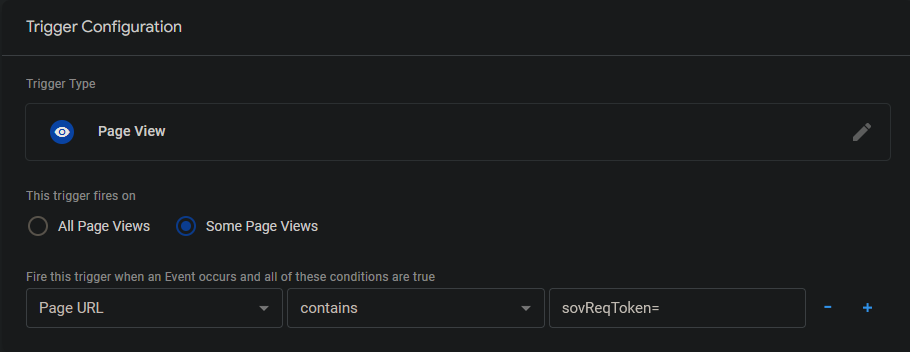
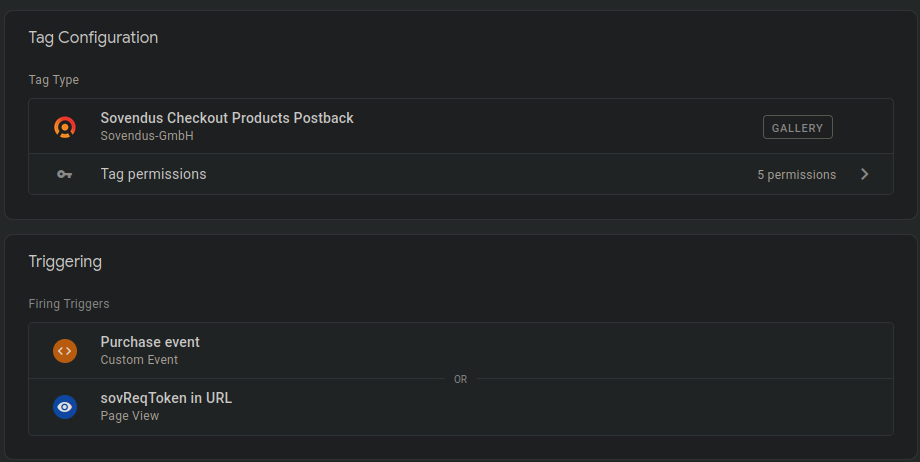
In addition to the above, you may also wish to store the sovReqToken alongside the order’s information - such as by sending the token to your backend - to persist it for a longer time. This way, you will be able to locate the token to be sent to Sovendus for cancellation purposes, if needed.